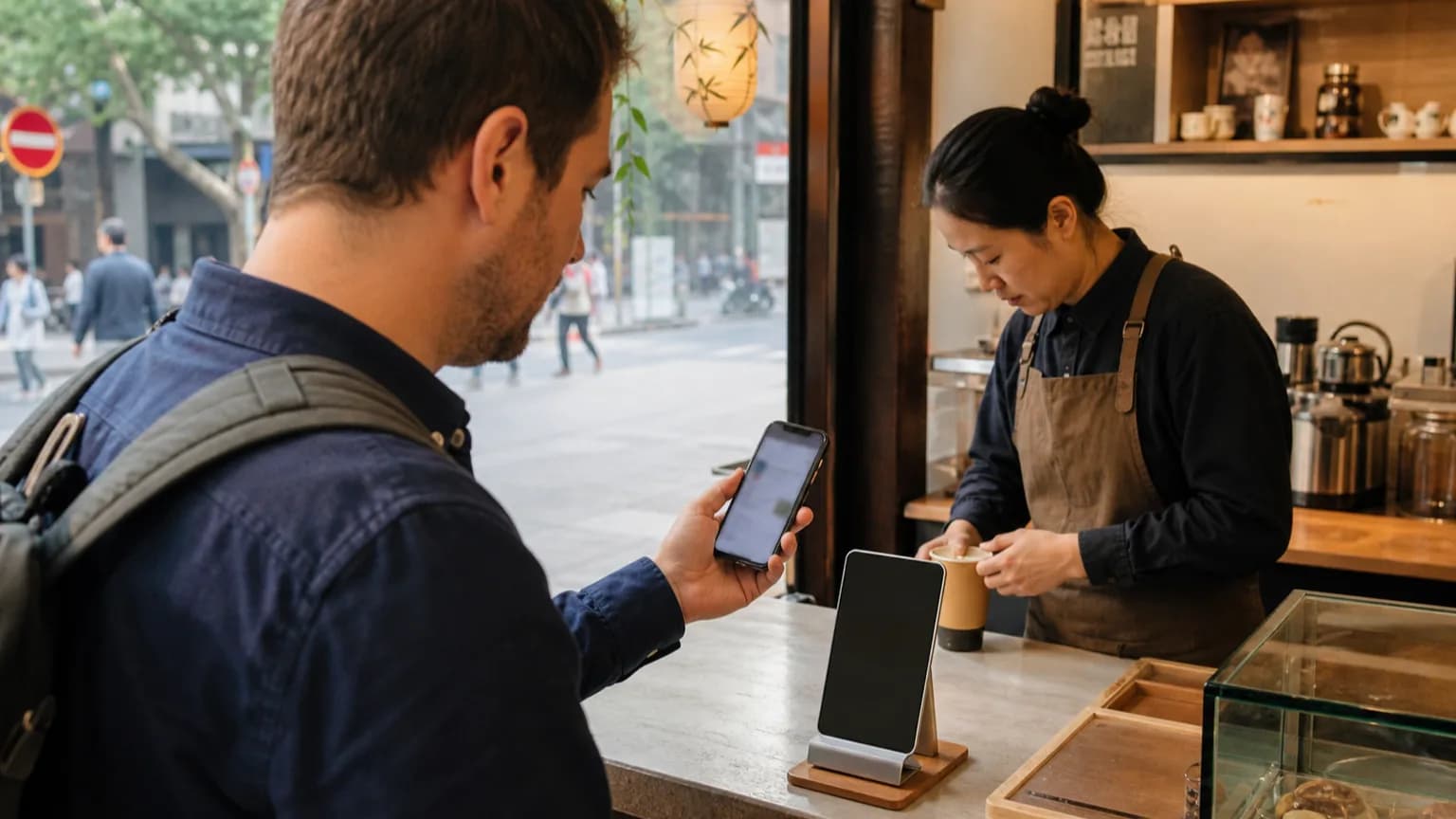

International visitors can set up Alipay before flying to China with a foreign mobile number and a supported international card. Register, complete every identity prompt shown in your app, link the card, ask the issuer to allow China transactions, and still carry a second card plus some renminbi because final acceptance depends on the issuer, the merchant and the current app rules.
WaytoChina is a China-based inbound travel service helping international visitors test routes and solve practical arrival problems.
View applicability, evidence and testing limits
Applies to
- Short-term international visitor
- Ordinary foreign passport
- Foreign mobile number with roaming SMS
- iOS or Android phone
- Supported overseas card
- Pre-arrival setup plus first payment in mainland China
Verified evidence
- WaytoChina reviewed the cited national, PBOC-backed and Shanghai government payment guidance from mainland China on 19 August 2026.
Testing limits
- No staff passport, personal bank card or live merchant transaction was submitted for this article; issuer and merchant acceptance were not tested.
What to prepare before opening the app
Use the same passport spelling throughout the setup. Keep the physical passport available, use a mobile number that will remain active in China, and make sure roaming SMS works before departure. Have two cards from different issuers or networks if possible; a second card is useful because one issuer can decline a transaction even when Alipay accepts that card type.
Scroll sideways to see all columns
| Item | Best condition before departure | If it is not ready |
|---|---|---|
| Passport | Valid ordinary passport; name entered exactly as shown | Stop and correct the profile before adding more payment methods |
| Phone | Unlocked iOS or Android phone; foreign SIM can receive SMS abroad | Ask the carrier to enable roaming SMS or keep another reachable number |
| Primary card | Supported network; online and overseas transactions enabled | Contact the issuer rather than repeatedly retrying the same payment |
| Backup payment | Second issuer card and a plan to obtain RMB cash | Use an international-card ATM or exchange cash after arrival |
| Data access | Roaming, travel eSIM or airport/hotel Wi-Fi planned | Save the hotel address and essential instructions offline |
Set up Alipay step by step
1. Install the official app
Download Alipay only from the official Apple App Store, Google Play listing or a link reached from an official Alipay channel. Check the publisher before entering a phone number, passport information or card details. Avoid APK mirrors and links sent by strangers.
2. Register with the number you will keep
Choose the correct country or region code, enter the number and complete the SMS check. A mainland Chinese number is not required under the current official guidance. Do not discard or disable that SIM after setup: a later security check may need the same number.
3. Use the passport name exactly
If the app requests identity verification, use the passport that you will carry to China. Enter the name in the same order and spelling shown in the machine-readable passport page unless the current field instructions explicitly say otherwise. Do not invent spaces, translate a name or substitute a nickname just to make a screen pass.
4. Link an international card
Open the card or bank-card area, add the card and complete any issuer authentication. A supported network logo does not mean every issuing bank or card product will approve every transaction. Debit cards, prepaid cards, corporate cards and cards with overseas use disabled may behave differently.
5. Ask the issuer the right questions
Tell the bank the travel dates and ask whether the card permits online and card-not-present transactions involving China. Confirm how one-time passwords will arrive, whether foreign-exchange or overseas fees apply, and how to reach fraud support from China. Never send a full card number or verification code to a travel provider.
6. Finish every visible security prompt
A card appearing in the wallet is not the same as a completed merchant payment. Resolve any visible identity, risk-control or issuer prompt before flying. Take note of the last four digits only, not the full number, if you need to remember which backup card is linked.
7. Run the real payment test after landing
The useful test is a small purchase at a staffed merchant in China with mobile data working and the physical card available. If that succeeds, keep the second card and cash backup anyway. A pre-arrival card-link screen cannot prove that every merchant QR, mini program or future transaction will accept the funding source.
How to interpret the result
Scroll sideways to see all columns
| What you see | What it establishes | What it does not establish | Next action |
|---|---|---|---|
| Registration completed | The phone number and account flow worked | That a card or merchant payment will work | Complete identity prompts and add a card |
| Card appears as linked | Alipay accepted the card record | Issuer approval for a live purchase | Check issuer settings and test a small purchase after arrival |
| Issuer authentication fails | The bank or its verification step did not complete | That Alipay is unavailable to all foreign cards | Call the issuer or try a different issuer card |
| Small payment succeeds | That card worked for that merchant and amount at that time | Universal acceptance at all merchants or mini programs | Keep backups and use the working setup cautiously |
Common failures and fallback options
The SMS code never arrives
Check the country code, restart the phone, disable SMS filtering and confirm roaming with the carrier. Do not hammer the resend control; pause and try later. If the number cannot receive security messages in China, solve that before relying on the account.
The passport name or identity check is rejected
Compare every character with the passport, including spacing and order, and use a clear image under even light if the app requests one. Follow the in-app review route. Do not create several accounts with different spellings, because that can make support and risk checks harder.
The card links but a payment is declined
Read whether the message points to the issuer, a security review or an unsupported transaction. Call the number on the card, then try a different issuer card if appropriate. Repeated identical attempts can trigger more risk controls. Use RMB cash while the issue is being resolved.
The merchant QR does not accept the foreign card
Some payment contexts can have different funding rules. Ask for the merchant's normal staffed payment option, try the other linked card, use a physical international card where accepted, or pay cash. Do not transfer money to an unknown person's personal QR code as a workaround.
The app works but the phone has no data
Move to trusted airport, hotel or venue Wi-Fi, or activate the travel eSIM or roaming plan prepared before departure. Keep the hotel name, address and first-day transport instructions offline so a network failure does not become a wider arrival problem.
Your first-day backup stack
Carry the physical passport, two physical cards, and a modest amount of RMB obtained from an authorized exchange channel or an ATM that displays your card network. Chinese official guidance keeps cash and international-card services in the payment mix. Treat Alipay as a convenient primary tool, not the only way you can reach the hotel, buy food or continue the trip.
The Shanghai government payment page currently states linked-card regulatory limits of USD 5,000 per transaction and USD 50,000 per year. Those are ceilings, not promises that an issuer or merchant will approve an amount. Your bank, card product, Alipay profile and current in-app agreement can impose lower practical limits or fees.
Security and privacy rules
Use only official download channels; keep the phone passcode and biometrics enabled; never share an SMS code, card security code or full passport image over ordinary chat; and decline screen-sharing requests from unknown people. WaytoChina can help explain a workflow, but it should not receive or store your full card credentials or authentication codes.
What WaytoChina verified from official guidance
On 19 August 2026, WaytoChina's China-based editorial workflow opened and cross-checked the current national government payment guide, the Ministry of Culture and Tourism publication page for the PBOC guide, and the Shanghai government payment instructions, including the stated foreign-number registration, supported-card and cash/ATM fallback paths. This was a documentation review from mainland China; we did not submit a staff passport, bind a personal bank card or execute an end-to-end merchant payment for this article. Card approval and the exact screens therefore remain outside our verified evidence.
What to recheck before travel
Reopen the official guidance and the current Alipay help flow shortly before departure, especially if your trip is months away. Payment rules and app interfaces may change. This article is dated operational guidance, not a promise that a particular phone, passport, card, issuer or merchant will approve a transaction.
FAQ
Frequently asked questions
Do I need a Chinese phone number to set up Alipay?
Not under the official guidance checked on 19 August 2026: foreign mobile numbers can be used. The number must receive security SMS and should remain active during the trip.
Does linking my card mean it will work everywhere in China?
No. Linking confirms only part of the setup. The issuer, merchant, transaction type, amount and current Alipay controls can still affect a live payment.
What should I carry if Alipay fails?
Carry a second physical card from another issuer if possible and some RMB cash, and know where you can contact your bank.
Sources
Check the arrival stack
Will your payment, data and first transfer work together?
Send us your phone setup, card networks, arrival airport and first hotel. We will flag the missing fallback before you fly.
Check my China arrival setup